 Security
PHP 8.2 end of life: what WordPress site owners need to do before 2027
PHP 8.2 stops receiving security fixes on 31 December 2026, and about six WordPress sites in ten run it or something older. How to…
· 10 min read
Security
Two critical PHP flaws fixed on 21 October 2026 can let an attacker run code on an unpatched server without logging in. Which versions are safe, how to check yours and what to ask your host.
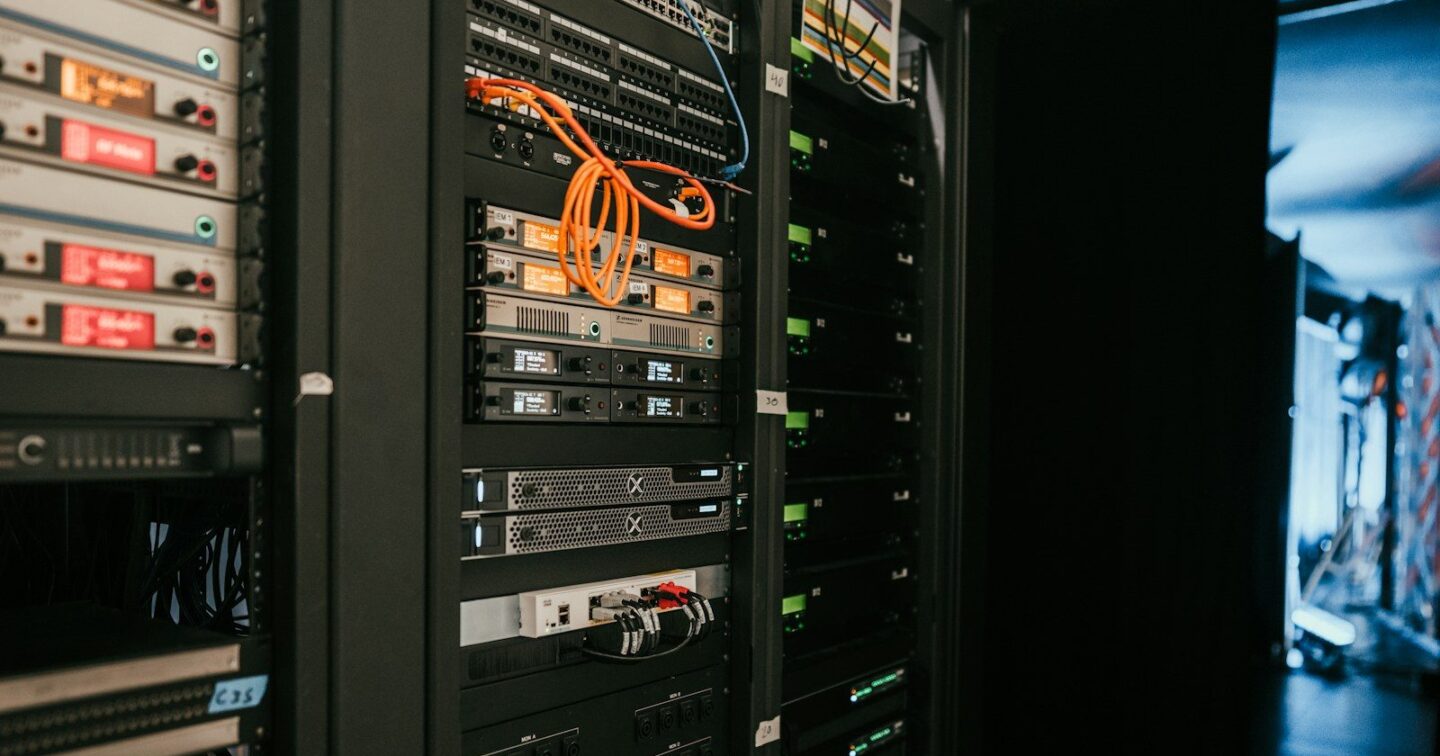
PHP2Shell is the name given to two critical security flaws in PHP, the language behind WordPress, WooCommerce and many bespoke business systems. The PHP project fixed them on 21 October 2026 in PHP 8.2.35, 8.3.36, 8.4.27 and 8.5.12. On a server that has not been updated, someone who has never logged in can use specially crafted web requests to run their own code on it. If your website or web system runs on PHP, the job this week is simple: find out which exact PHP version it runs, and make sure it is one of those four or newer, or that your host has installed its own fixed PHP package (see below).
This guide explains what happened in plain words, who is affected, how to check your own site in a couple of minutes and what to ask your hosting company. It is written for UK business owners, not for server administrators.
On 20 October the PHP security team gave advance notice of a security release for the next day, 21 October at 14:00 UTC, for two critical vulnerabilities, both rated 9.2 out of 10 on the CVSS v4.0 scale. According to the security firm watchTowr, details of the flaws leaked online on 20 October, before the coordinated release. The fixed versions came out on 21 October together with two security advisories:
RCE stands for remote code execution: an attacker gets the server to run instructions of their choosing. The advisories describe the confirmed impact as unauthenticated remote code execution with the permissions of the web server account. In practice that can mean changed or added files, stolen database contents, spam sent from your server or a page that redirects your visitors elsewhere.
The important detail for a business owner is that a login screen does not protect you. In the attack the PHP project demonstrated, the harmful request does its work before your website’s own code runs, so passwords, two-step verification and security plugins inside WordPress cannot be relied on to stop it. Only the PHP update closes it.
The PHP project says the risk applies to all PHP installations serving web requests, whichever way PHP is connected to the web server: PHP-FPM, Apache with mod_php, php-cgi, FrankenPHP and LiteSpeed. It considers the risk highest for Apache with mod_php. That covers most small business websites built on WordPress, WooCommerce, Joomla, Drupal or Magento, and bespoke systems written in PHP, such as booking tools, customer portals and job management systems.
Websites built entirely on hosted platforms such as Wix, Squarespace or Shopify do not run PHP that you control, so there is nothing for you to update there.
| PHP version your site runs | Fixed in | What to do |
|---|---|---|
| 8.5 | 8.5.12 | Update to 8.5.12 or later |
| 8.4 | 8.4.27 | Update to 8.4.27 or later |
| 8.3 | 8.3.36 | Update to 8.3.36 or later |
| 8.2 | 8.2.35 | Update to 8.2.35 now, and plan the move to 8.3 or later: 8.2 gets no security fixes after 31 December 2026 |
| 8.1, 8.0 or 7.4 | No official release | Ask your host whether they apply backported fixes, and plan an upgrade to a supported version |
| 7.3 or older | No fix published | Upgrade to a supported version as a priority |
The number after the second dot matters. “PHP 8.3” on its own tells you nothing: 8.3.35 is exposed, 8.3.36 is fixed. One exception: some Linux distributions add the fixes to their own PHP packages without changing that number, so a server can show an older number and still be fixed. If yours shows an older number, ask your host whether it uses such a package.
These versions no longer receive updates from the PHP project. Because the flaws are so serious, the PHP security team made an exception and published minimal fixes for 7.4, 8.0 and 8.1, but only as source code, with no ready-made release. Some Linux distributions and paid long-term support providers supply their own fixed packages for these versions. Whether your server has them depends entirely on your host.
Even if it does, an old PHP version is a problem that comes back. The next serious flaw may not get an exception. If your site is on one of these versions, treat this as the moment to plan the upgrade; our guide to PHP 8.2 end of life explains what usually breaks and how to upgrade safely.
The PHP fixes are not installed by themselves on every server. On shared hosting the host normally updates PHP for you; on a VPS or cloud server you, or whoever manages it, have to. Three questions get a clear answer:
Keep the reply. If your site is ever hacked, it shows when the gap was closed.
Reports differ, so it is worth being precise. Proof-of-concept exploit code has been reported. The security firm watchTowr reported seeing attempts to exploit both flaws on its network of decoy servers from 21 October. The Canadian Centre for Cyber Security’s alert of 21 October, updated on 23 October, said a proof of concept was available but no active exploitation had been identified at that time, and added that the situation could change quickly. Either way, once exploit code is available, automated scanning often follows. Waiting to see is not a safe plan.
The advisories list configuration changes that block some known attack paths, such as turning off session upload progress or limiting the size of requests. The PHP project is clear about them: there are no complete mitigations, and updating is the only safe choice. If your host says it has “applied a workaround”, ask when the actual update is coming.
Two days later the PHP project published an informational advisory about a third, related issue, CVE-2026-115560, which the 21 October releases do not fix. It only applies when an application changes PHP’s session storage format while it is running, which the PHP project calls an unlikely route. The project suggests setting session.upload_progress.enabled=0 until its next regular release, and says applications that never make that change can keep the feature on. WordPress itself does not make that change. If you are not sure about a plugin or a bespoke system, the setting is a small change your host or developer can make.
Update PHP first, then look for signs of trouble: administrator accounts you do not recognise, PHP files in the uploads folder, files changed on dates when nobody worked on the site, visitors sent to strange pages, or your host warning about spam from your account. If you find any of these, once PHP is updated, restore a clean backup taken before 20 October, change every password and key the site uses, and have someone check how far the attacker got.
Our servers were running the fixed versions, 8.2.35 and 8.3.36, by 22 October, with the PHP processes restarted. We also checked for the signs above. If we host your site, you do not need to do anything about this update. If it is hosted elsewhere, or it is a bespoke system nobody has updated in a while, get in touch and we will tell you where you stand.
All checked on 26 October 2026.
PHP2Shell is the name used for two critical PHP vulnerabilities, CVE-2026-109618 and CVE-2026-109619, fixed on 21 October 2026. On a server that has not been updated, crafted web requests can let an attacker run code without logging in.
PHP 8.2.35, 8.3.36, 8.4.27 and 8.5.12, released on 21 October 2026. Any earlier release of those branches is affected, unless your host uses a Linux distribution package with the fixes added. PHP 8.1, 8.0 and 7.4 only received minimal source-code fixes, and 7.3 or older has no fix.
If it runs on a PHP version older than the fixed releases, and your host has not installed a fixed distribution package, yes. WordPress logins and security plugins cannot be relied on to block it, because in the demonstrated attack the harmful request does its work before WordPress runs. Check the full PHP version in Tools, Site Health, Info, Server.
Not completely. The PHP project lists settings that block some known attack paths, but says there are no complete mitigations and updating is the only safe choice.
Proof-of-concept exploit code has been reported. watchTowr reported exploitation attempts on its decoy servers from 21 October 2026, while the Canadian Centre for Cyber Security said on 23 October that no active exploitation had been identified. Either way, update now.
A related issue described by the PHP project on 23 October 2026 and not fixed by the 21 October releases. It only applies when an application changes the session storage format at runtime. The suggested setting until the next release is session.upload_progress.enabled=0.
Photo: Kevin Ache via Unsplash
Security
PHP 8.2 stops receiving security fixes on 31 December 2026, and about six WordPress sites in ten run it or something older. How to…
· 10 min read
 Security
What a website penetration test actually checks, what UK businesses pay, how it differs from a scan and the cheaper security fixes to make…
· 9 min read
 Security
A good WordPress maintenance plan means tested updates, restorable backups, security monitoring and real human checks. We show the hours involved, typical UK prices…
· 10 min read
Ready when you are
A developer replies within one working day. Fixed price or hourly, your choice — and the code is yours.